Why a screenshot proves nothing
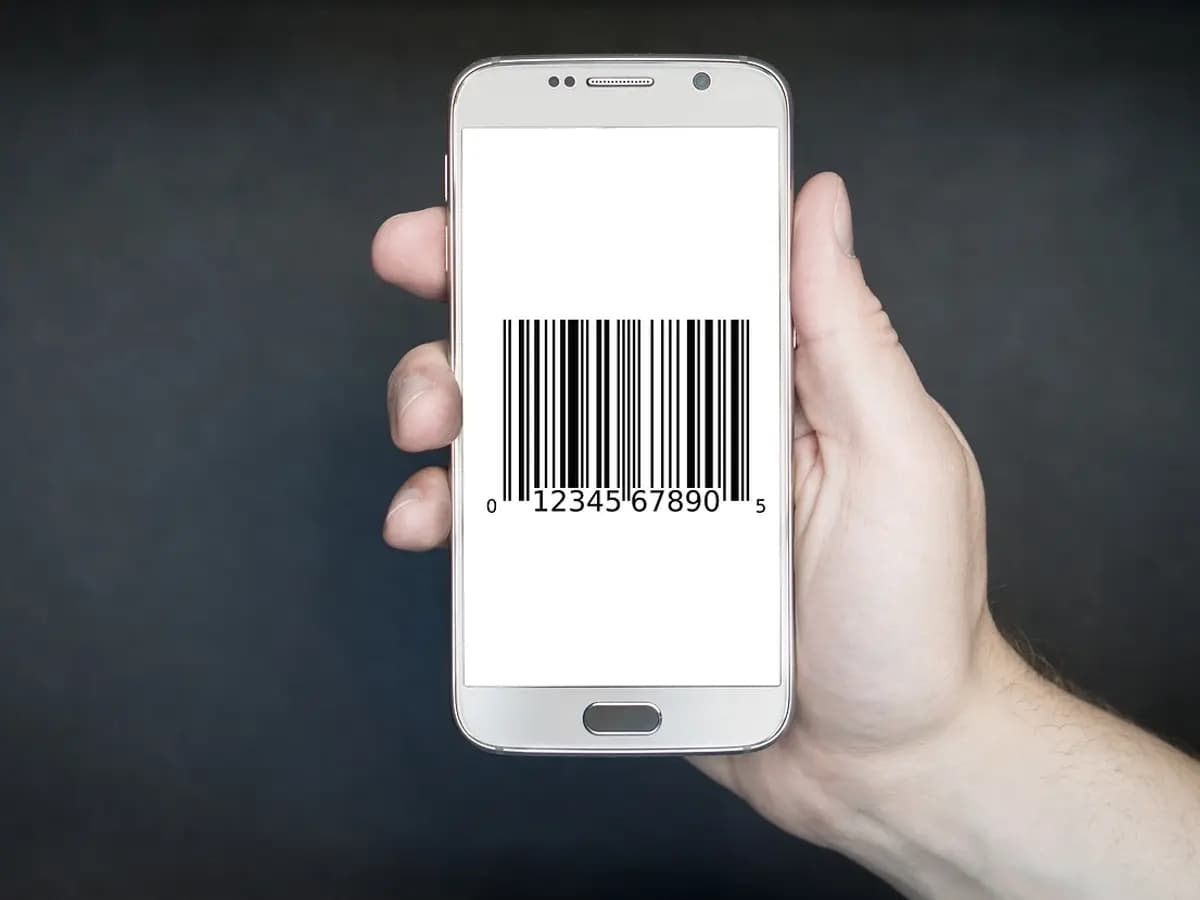
A screenshot is a picture of a screen, and a picture can show anything. Delhi Police describe fake buyers sending payment screenshots made with a spoof app. Venmo warns about scammers sending screenshots of fake emails that make it look as if they have paid when they have not.
That is why there is no reliable “fake payment screenshot checker”. Looking harder at the image cannot tell you whether money reached you. The only place that can is the account the money was meant to land in.
How the trick is used in India and the US
- UPI, India. A buyer on OLX or a similar site sends a screenshot of a payment that never happened, then a QR code “to receive it”. Scanning it and entering your PIN sends your money to them. See why you never need your PIN to receive money.
- Zelle, US. A fake email says the payment cannot be completed until you upgrade your Zelle account, and the buyer asks you to pay for it. Zelle says there are no upgrades. See Zelle scams.
- Venmo, US. The buyer says the money will reach you only after you ship and upload tracking. Venmo says this is fake and is not a feature it offers.
- Any app. The buyer says they paid you twice by mistake and asks you to send one payment back. The FTC lists this as a common trick on sellers.
What the message looks like
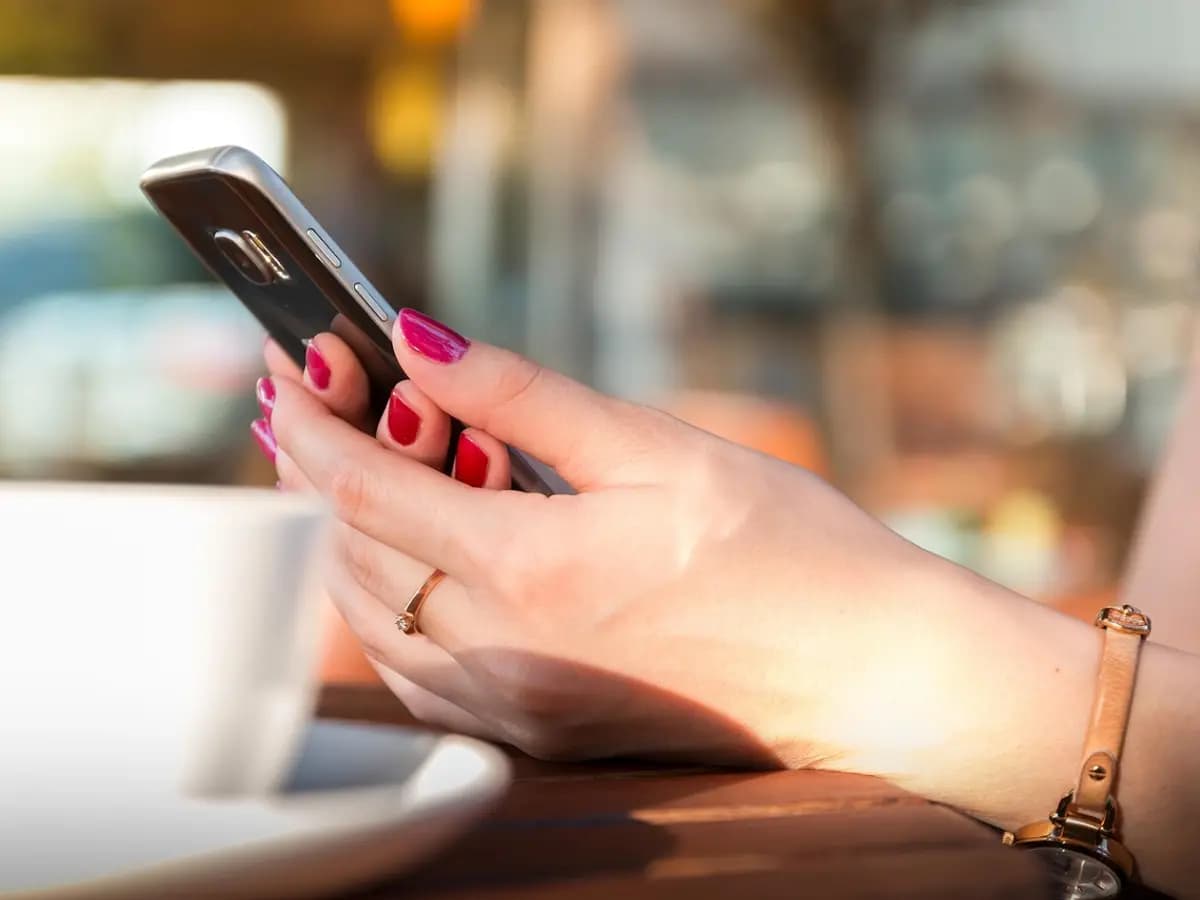
Money you were sent shows in your own bank or app. A fee to “release” a payment means there is no payment.
Fake payment or real payment
Signs of a fake payment
- A screenshot or forwarded email instead of money
- “Pending” until you ship, pay a fee or upgrade
- An email from a Gmail or other address, not the company's own
- A QR code or link you must use to “receive” it
- An overpayment and a request to send back the difference
- Pressure to hand over the item right now
Signs of a real payment
- The amount is in your balance in your own app
- It is listed in the history you opened yourself
- Nothing to approve, scan or pay to receive it
- The buyer is happy to wait while you check
How to check you were paid
- Leave the chat. Open your bank or payment app yourself, never through a link the buyer sent.
- Find the payment in your transaction history, with the amount and the sender's name, and check your balance.
- For Zelle, Zelle says to check the payment status in your payment activity in your bank's app or website.
- If it is not there, you have not been paid. Do not hand over or ship anything, and do not send money back for any reason.
Zelle says its emails come only from zelle.com or zellepay.com, and Venmo says it emails only from addresses ending in venmo.com. Even so, check the app, not the email.
If it already happened
- Stop replying and do not send any fee, upgrade payment or refund the buyer asks for.
- If you already sent money, contact your bank or the payment app straight away through its official app or the number on your card, and report it as a scam.
- Keep screenshots of the chat, the fake screenshot or email, the listing and the buyer's profile.
- Report the buyer on the marketplace or app where you met, and report a fake payment email as suspicious to your email provider.
- ReportFraud.ftc.govReport the scam to the Federal Trade Commission.
- IC3.govThe FBI’s internet crime complaint center, for losses online.
- IdentityTheft.govIf they got your ID, Social Security number or account details.
Questions
Is there an app to check if a payment screenshot is fake?
Can a payment show in a screenshot but not in my account?
Why does the buyer say the money arrives after I ship?
What does a Zelle “pending” email mean?
Realr cannot check a payment, but before you deal with a stranger you can ask them to prove who they are with a verified Realr profile.
Ask them to verify