Why the PIN only ever sends money
Your UPI PIN is how you approve a payment out of your account. The Reserve Bank of India puts it plainly: there is no need to enter a PIN or password anywhere to receive money, and if an app asks for your PIN to complete a transaction, you are sending money, not receiving it.
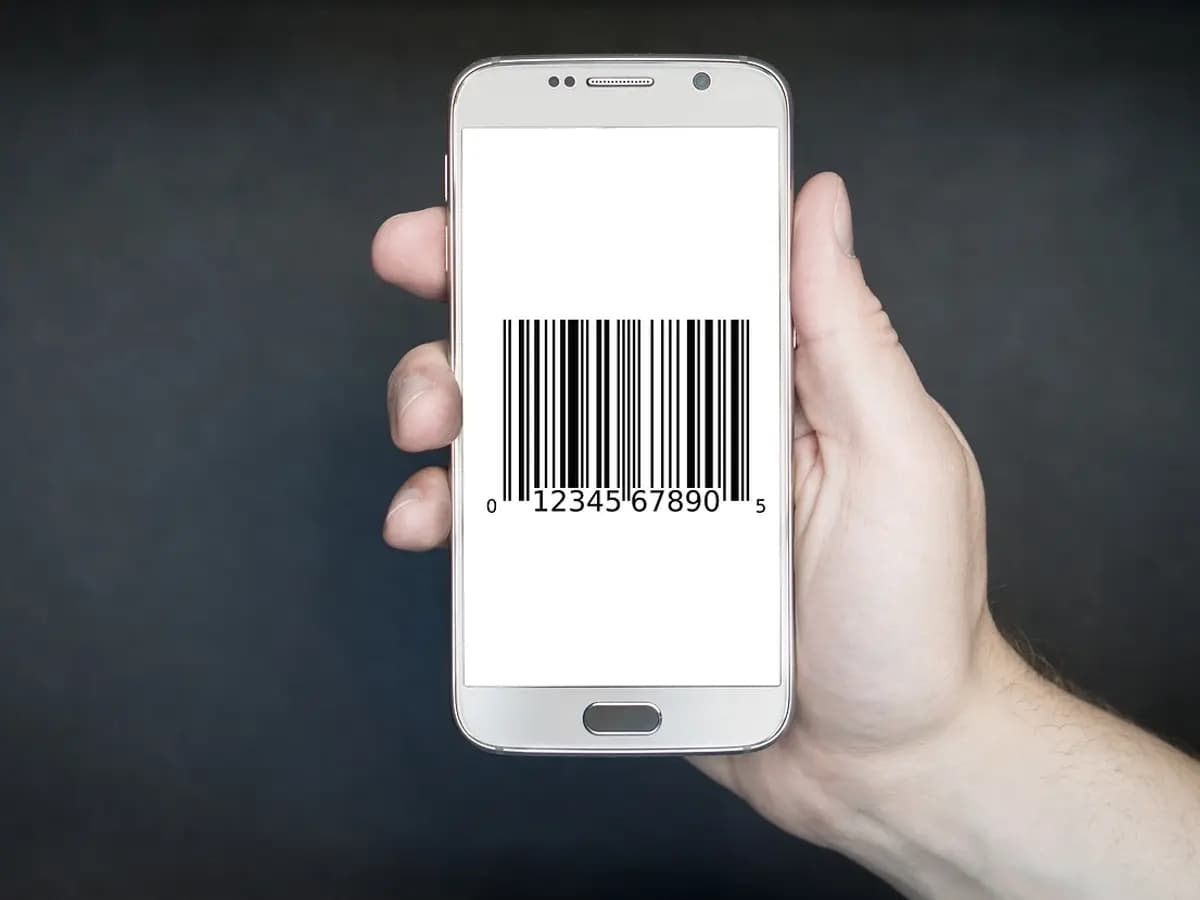
QR codes work the same way. A payment QR code carries the details of the account the money goes to, so scanning one in a payment app pays that account. The RBI says never scan a QR code to receive money.
How the fake buyer trick works
- A buyer answers your listing on OLX or a similar site and agrees to your asking price. In the cases Delhi Police describe, the buyer claims to be in the Army or a paramilitary force, posted somewhere far away.
- They send a screenshot that seems to show the payment. It is edited.
- When no money arrives, they blame a technical problem and send a QR code or a payment request, and tell you to enter your PIN to receive the money.
- Each time you do, money leaves your account. They say it was a mistake and send another code for twice the amount, and it repeats until the loss runs into thousands or lakhs.
What the fake buyer's messages look like
A real buyer pays you from their own app. Nothing they send should ever ask for your PIN.
Collect requests and QR codes
A collect request is a “request money” message that pops up in your UPI app. The RBI describes fake buyers using it and insisting the seller approve it with their PIN, which sends the money to the fraudster. NPCI directed banks and UPI apps to stop person-to-person collect requests from 1 October 2025, but shops and apps can still send requests, and QR codes and payment links do the same job. The rule does not change: if it asks for your PIN, it is a payment out.
You are being asked to pay
- “Scan this QR to get your money”
- “Approve the request to receive”
- “Enter your PIN to accept the payment”
- “Share the OTP to complete your refund”
- “I sent extra, send the difference back”
You are really being paid
- The buyer pays from their own app
- You share only your UPI ID or number
- You do nothing to accept the money
- It shows in your own bank app's history
- Nobody asks you for a PIN or an OTP
If you are selling online
- Give the buyer only your UPI ID or mobile number, and let them pay.
- Open your own bank or UPI app and check the money has arrived. A screenshot is not money; see fake payment screenshots.
- Hand over the item only once the amount shows in your account.
- Be careful with a buyer who cannot come in person and sends an Army or government ID card to win your trust. Delhi Police warn about fake ID proof from national institutions used to build trust.
- For more on selling safely, see OLX scams.
If it already happened
- Call your bank on the number printed on your card or in its app, report the payments as fraud and ask them to block further UPI debits if needed.
- Do not scan anything else or send more money to “reverse” it. Every new code they send is another payment out.
- If you shared your PIN with anyone, change it in your UPI app.
- Keep screenshots of the chat, the QR codes, the listing and every transaction ID.
- Report the buyer's profile and the chat on the site where you listed the item.
- Call 1930The national cyber fraud helpline. Call within hours if money left your account.
- cybercrime.gov.inFile a complaint online and keep the acknowledgement number.
- Chakshu on Sanchar SaathiReport a fraud call, SMS or WhatsApp number.
Questions
Do I need a UPI PIN to receive money?
Can someone take money by sending me a QR code?
What is a collect request in UPI?
I entered my PIN for a buyer. What should I do now?
When a buyer or seller says who they are, you can ask them to prove it with a verified Realr profile before you hand anything over.
Ask them to verify